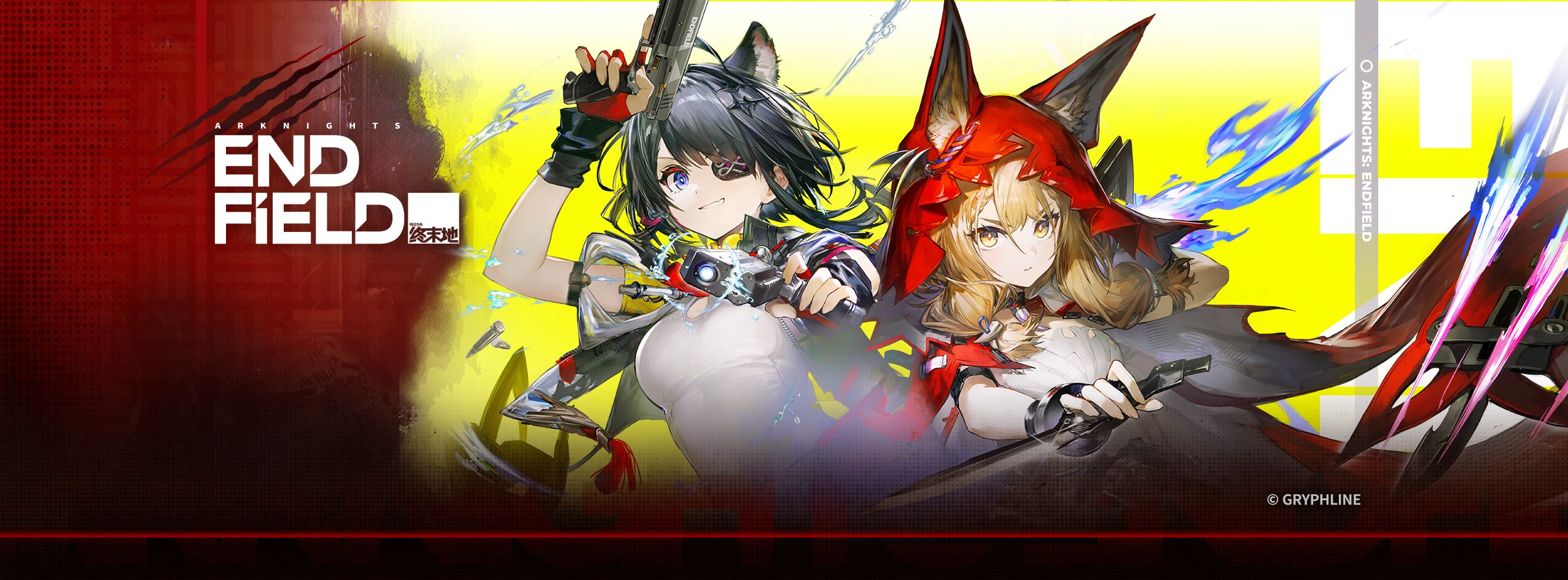
Arknights: Endfield
Updated
Current Version
1.2.5
Offered By

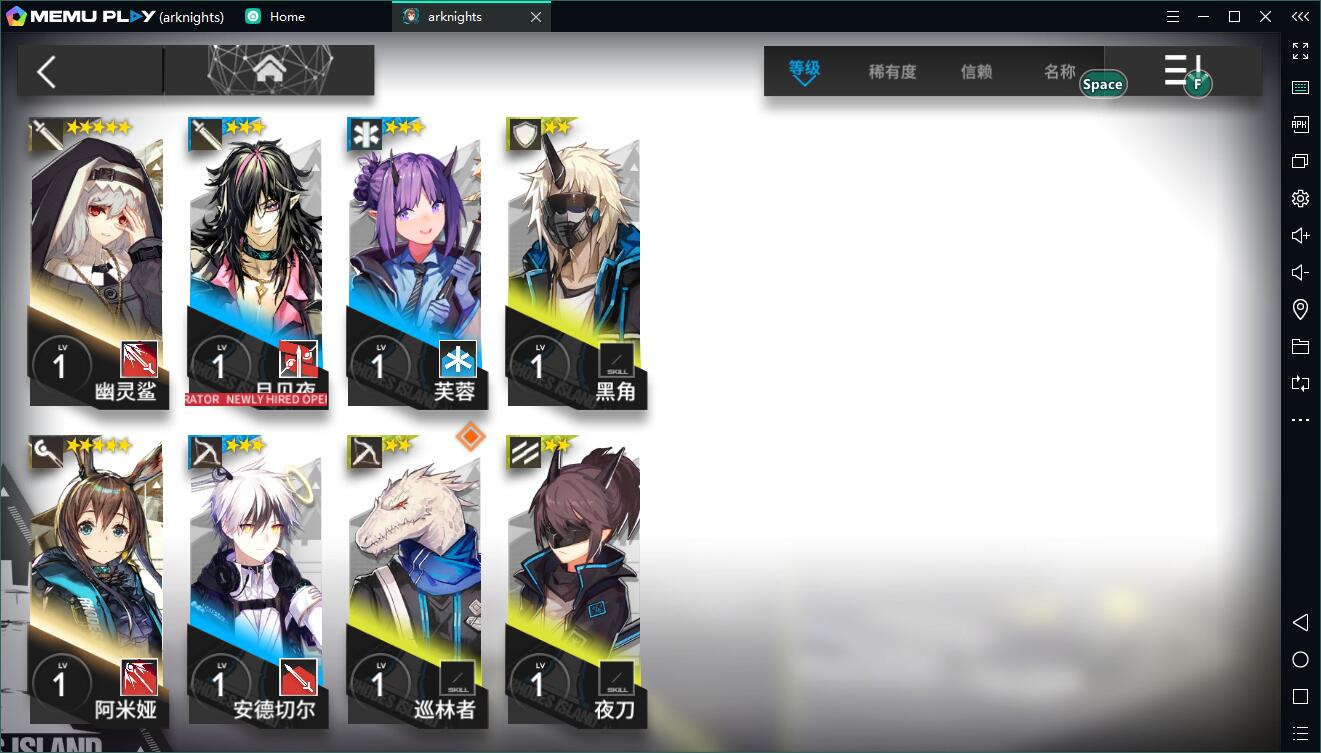
With your passion for Arknights: Endfield, you shouldn’t have to limit yourself to the small screen of a phone. Play like a pro and take full control of the game using a keyboard and mouse. MEmu gives you everything you’re looking for. Download and play Arknights: Endfield on PC. Play as long as you want — no more worries about battery life, mobile data, or unexpected calls. The all-new MEmu 9 is the best way to play Arknights: Endfield on PC. With our expertly designed keymapping system, Arknights: Endfield feels just like a real PC game. The MEmu multi-instance manager lets you run two or more accounts on the same device at the same time. Most importantly, our exclusive emulation engine unlocks your PC’s full potential, delivering smooth and seamless performance.
Show more
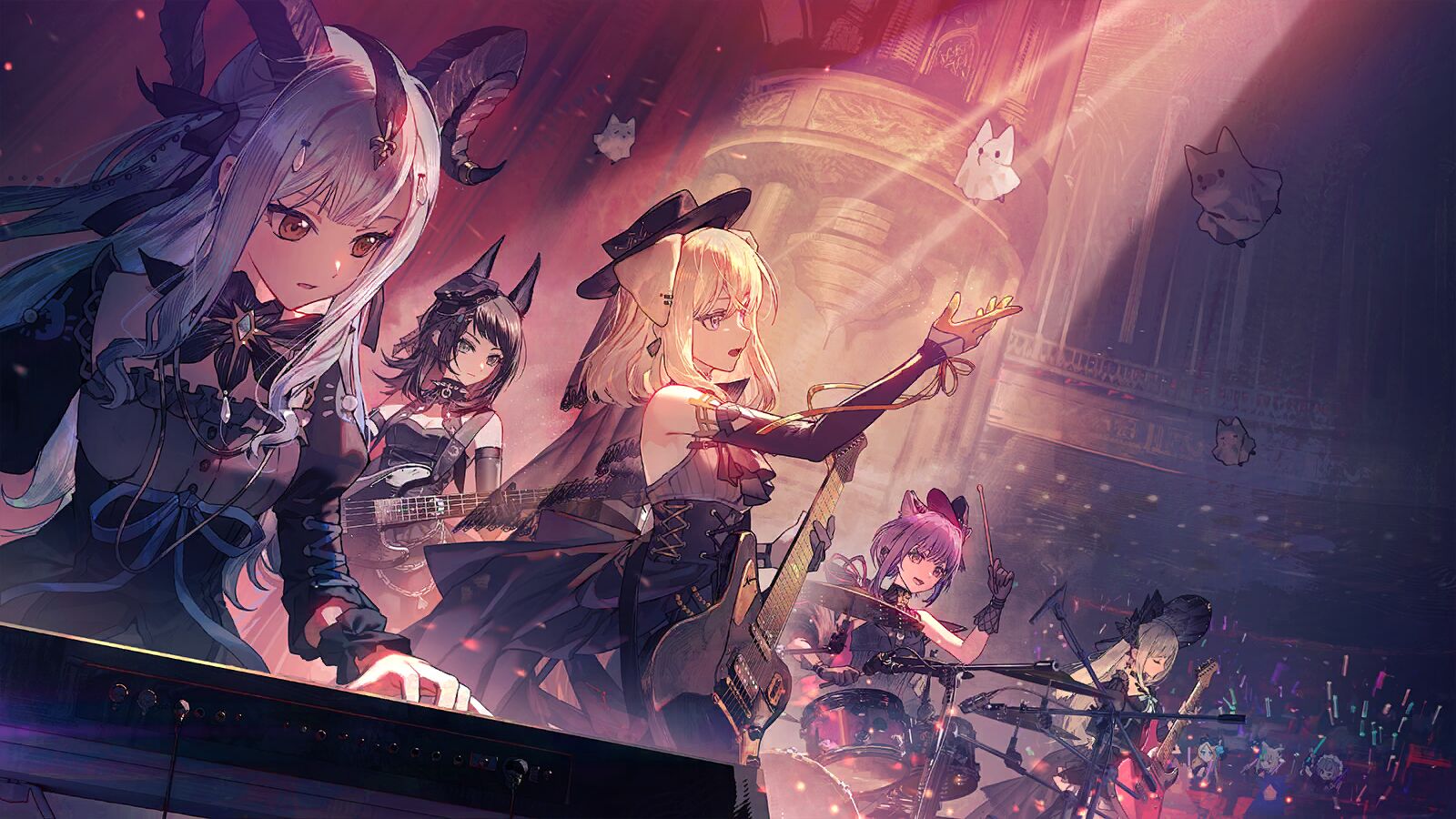
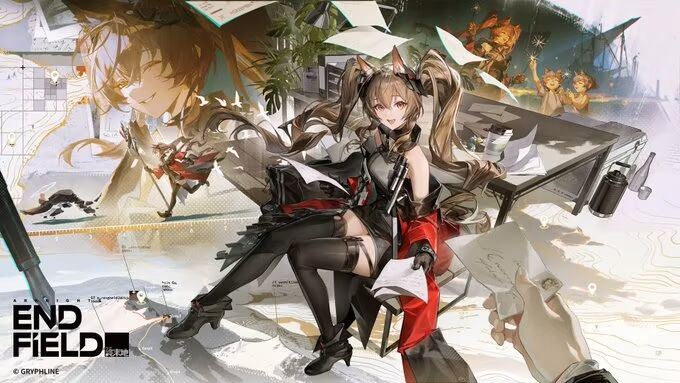
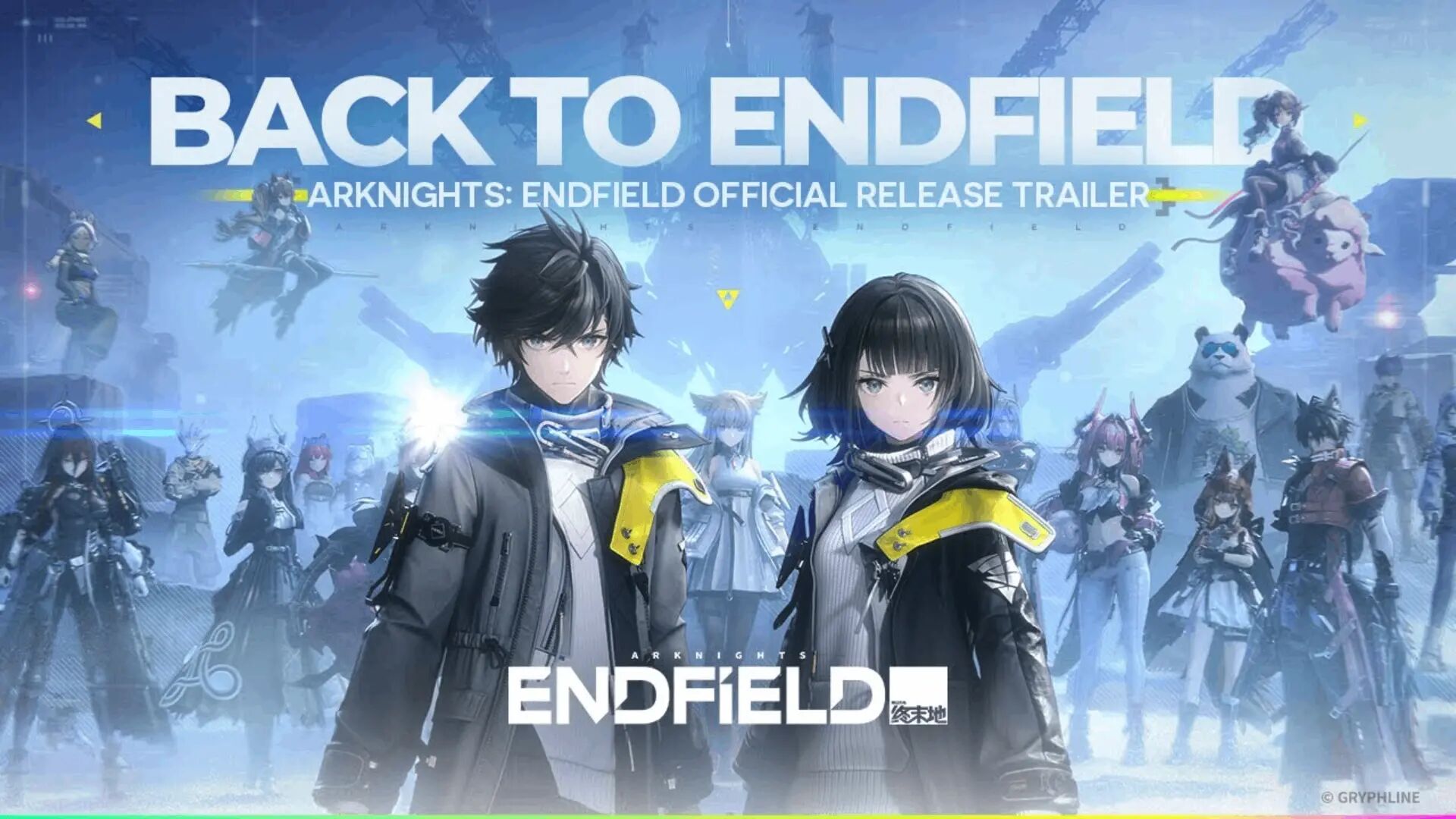
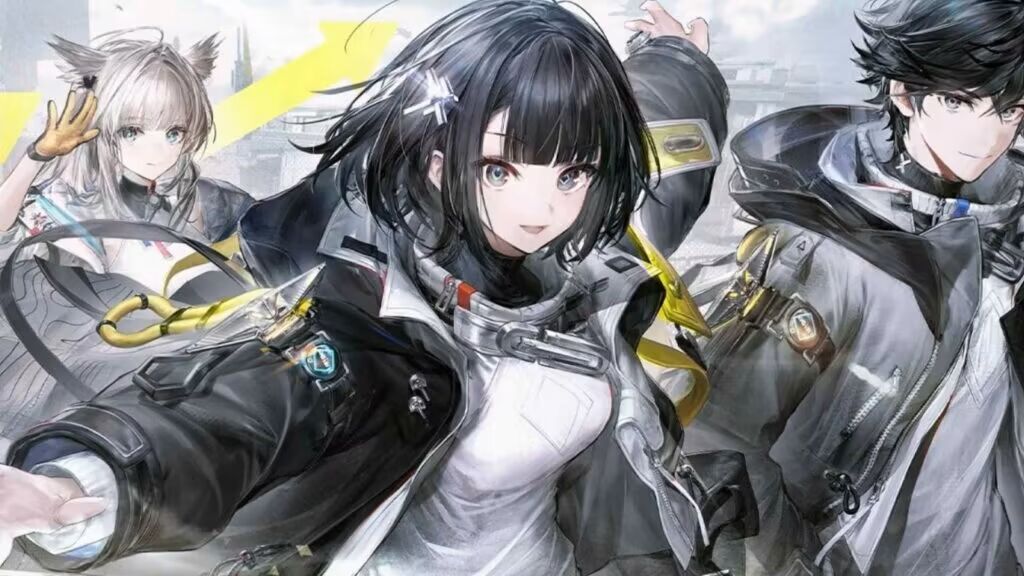
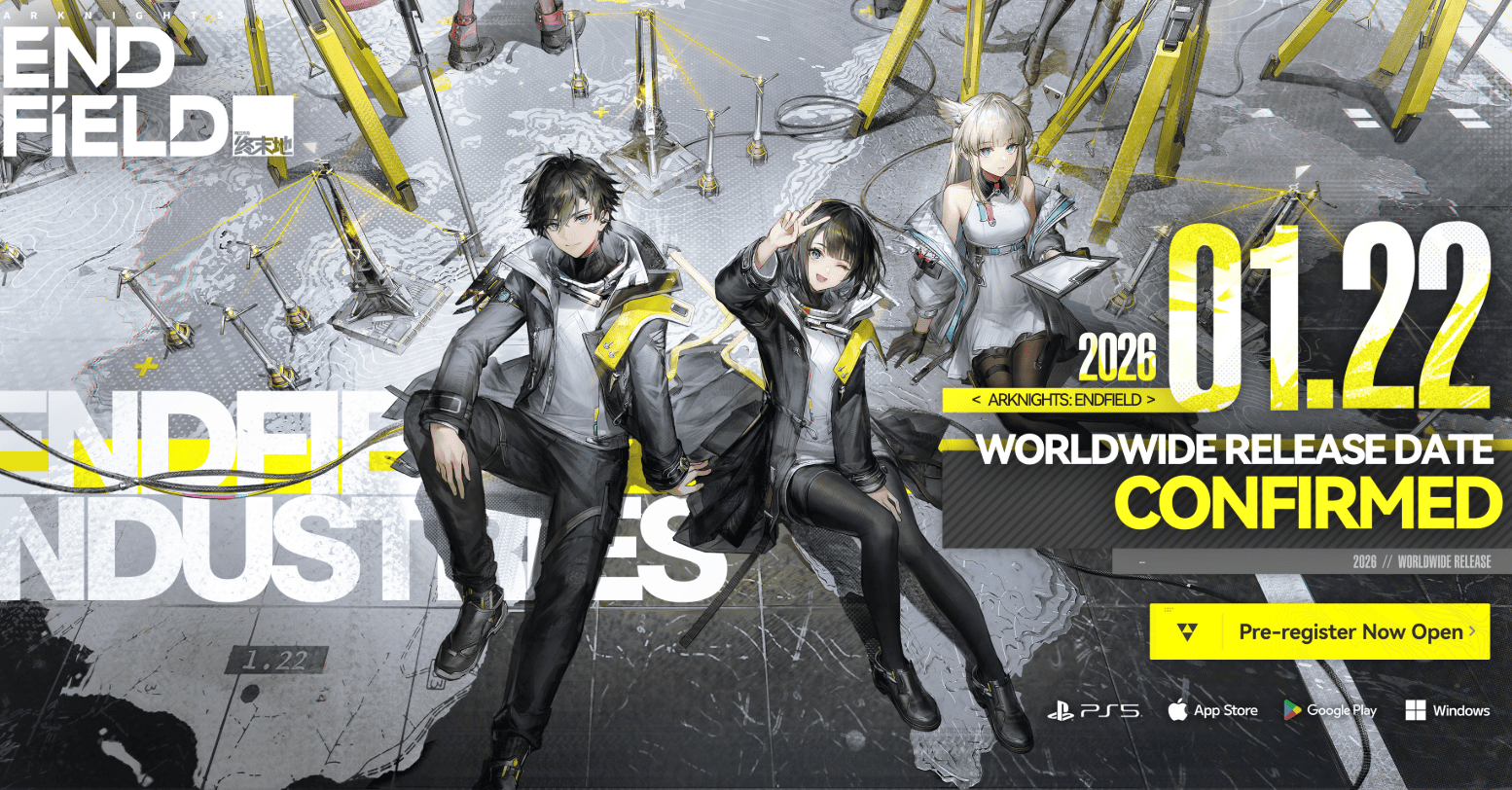
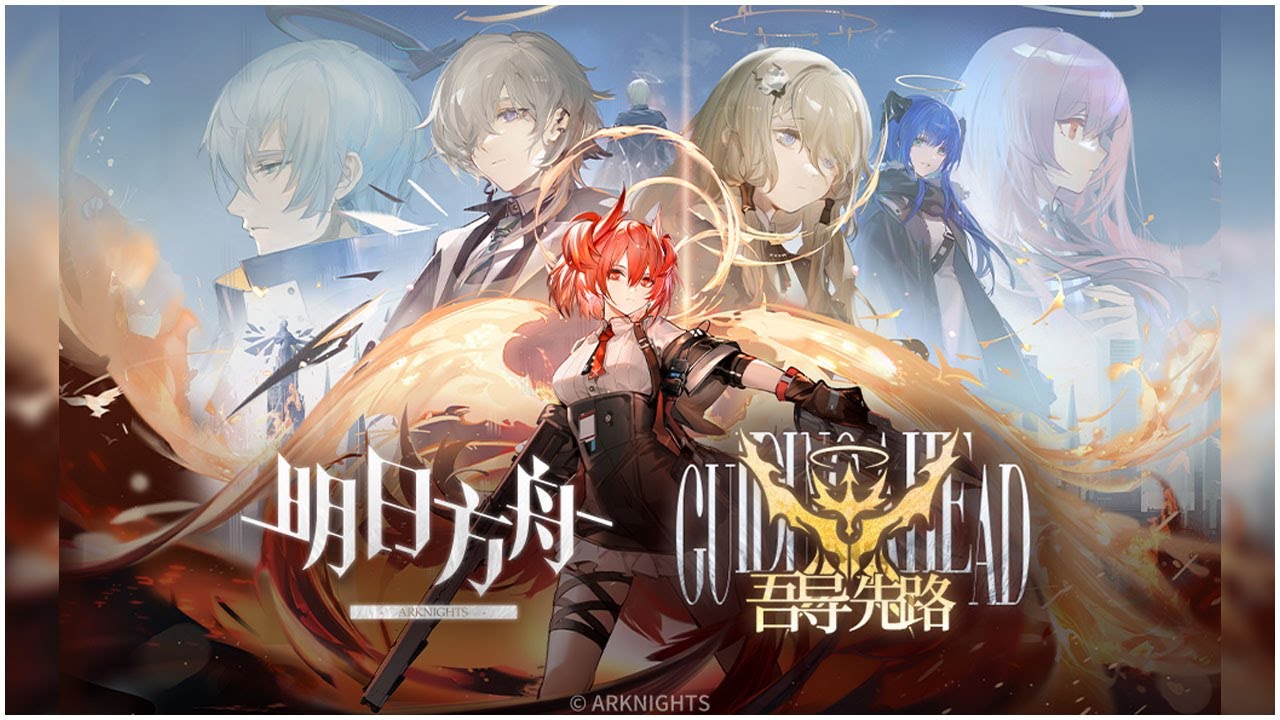
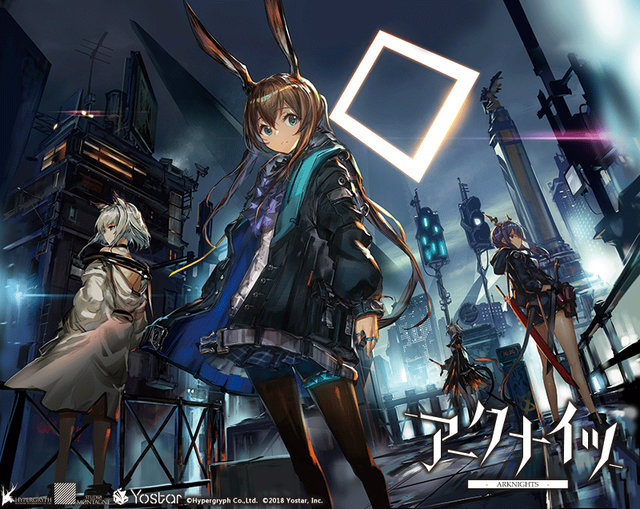
Download Arknights: Endfield on PC with MEmu Android Emulator. Enjoy playing on big screen. Welcome to Talos-II, a world of breathtaking beauty and constant danger.
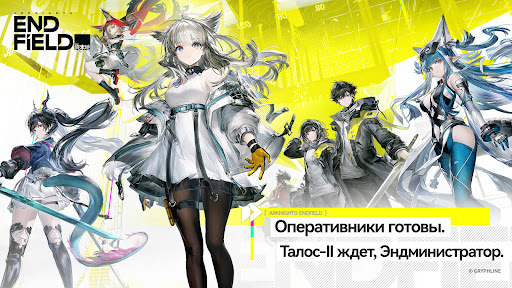
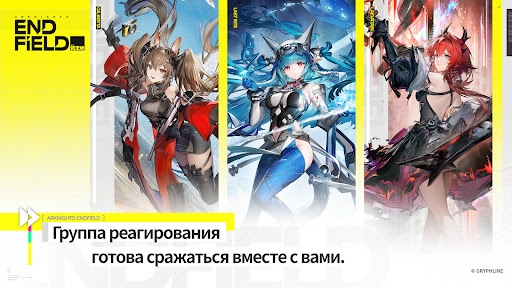
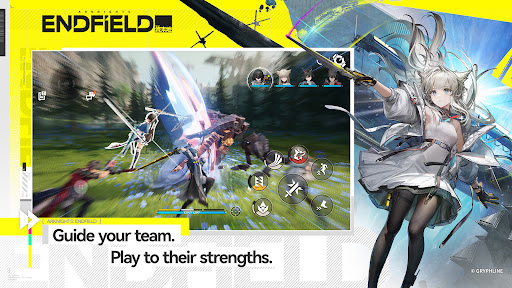
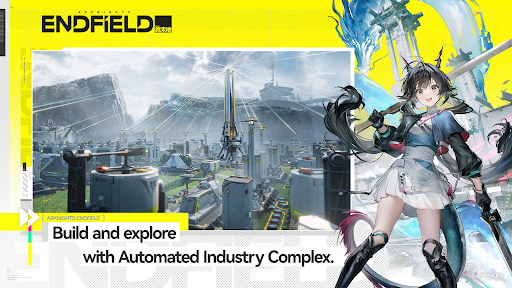
Welcome to Talos-II, a world of breathtaking beauty and constant danger. The earliest settlers braved wars and disasters, and through more than 150 years of relentless effort, they carved out a foothold and laid out a new foundation for humanity — the Civilization Band. Yet most of this world remains untamed. Vast wildlands and uninhabited territories stretching toward the horizon still await exploration. Every step forward is shadowed by threats — whether remnants of the past or dangers never before seen.
Expansion and exploration, as well as continuity and progression, are the eternal themes throughout the evolution of civilization, and the ultimate pursuit of every life that constitutes it.
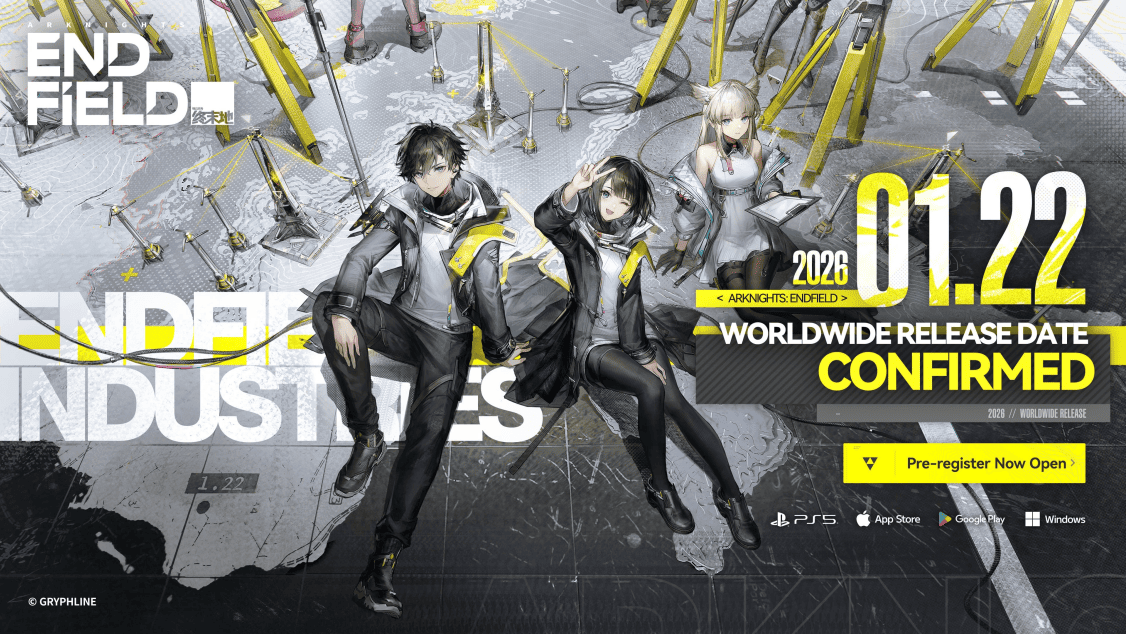
As the Endministrator of Endfield Industries, you will lead your operators to defend and expand the frontiers of humanity. Your Originium engines rumble in the wildlands while production machinery works around the clock to deploy new AIC Factory production lines. Explore the world of Talos-II and gather various resources. Use the AIC Factory to overcome dangers and work with the operators to build a better homeland for humanity.
A new era of change has dawned upon this ancient world. Time to make your choice, Endministrator.
※ The app is free to download, but it offers in-app purchases for certain items (including random items).
Show more

1. Download MEmu installer and finish the setup

2. Start MEmu then open Google Play on the desktop

3. Search Arknights: Endfield in Google Play
Install
4. Download and Install Arknights: Endfield
5. On install completion click the icon to start

6. Enjoy playing Arknights: Endfield on PC with MEmu
MEmu Play is the best Android emulator and 100 million people already enjoy its superb Android gaming experience. The MEmu virtualization technology empowers you to play thousands of Android games smoothly on your PC, even the most graphic-intensive ones.
Bigger screen with better graphics; Long duration, without limitation of battery or mobile data.
Full Keymapping support for precise control of keyboard and mouse or gamepad.
Multiple game accounts or tasks on single PC at one time with Multi-Instance manager.
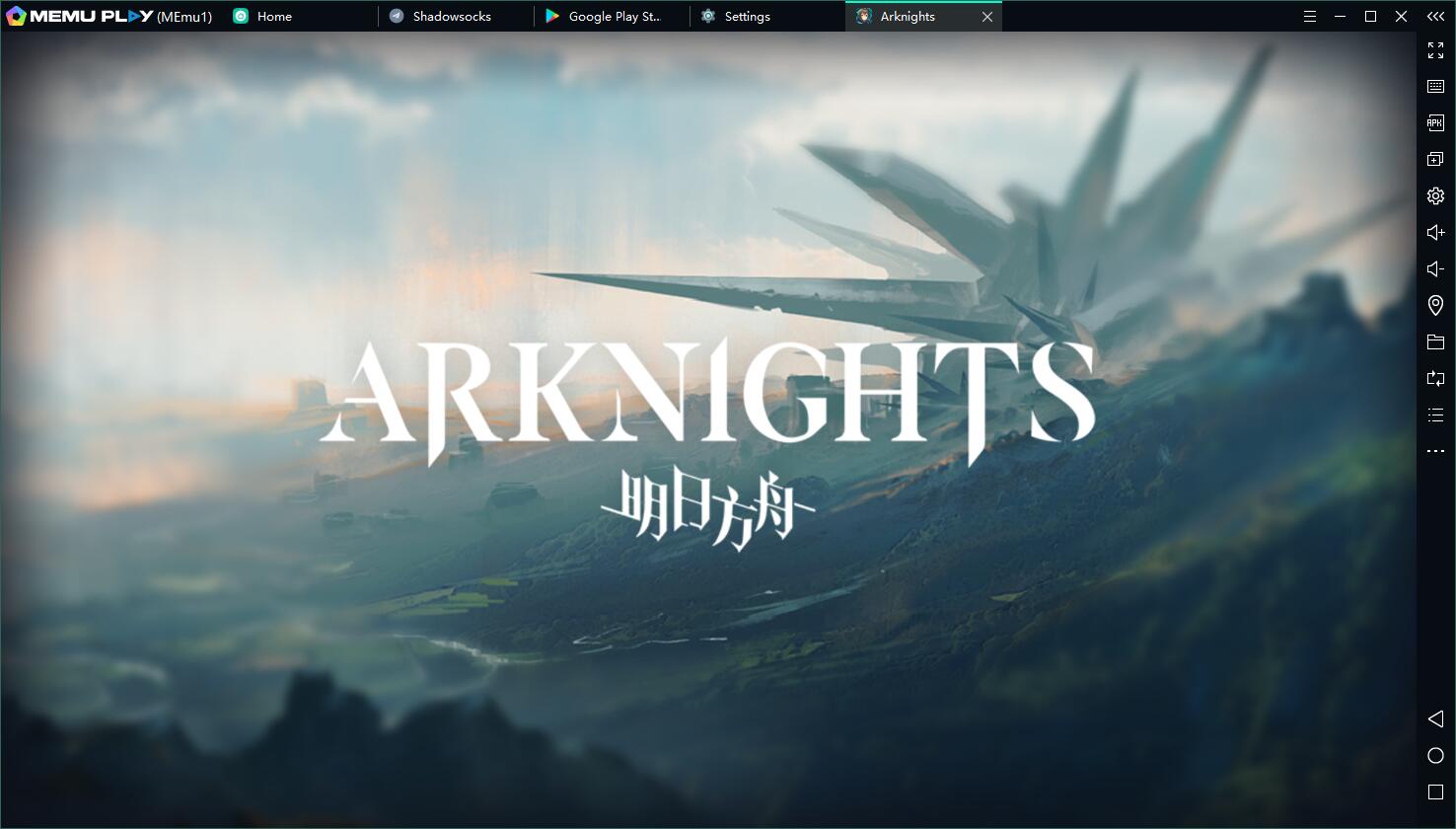
Play Arknights: Endfield on PC by following steps:



































































![PUBG mobile update [Mar.2020] PC](https://www.memuplay.com/blog/wp-content/uploads/2019/11/121-1.jpg)



























![[Game Reviews] Mobile Legends: Bang bang PC](http://www.memuplay.com/blog/wp-content/uploads/2016/11/bangbang-3-small.png)